Antonio,
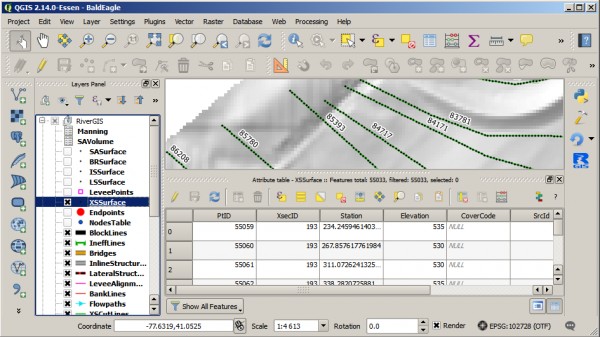
XSSurface table is located in your database and schema you have chosen in RiverGIS. If the table was not loaded automatically into your project, you can always use DB Manager from Database menu and load it manually. See the picture below, where XSSurface are the black dots over cross-sections. Elevations can be read from attributes table.
Currently, there is no cross-sections preview, so to see their shape you have to import them to HEC-RAS.